Documentation
Sharing a link
Sending & signing
Sharing a public link
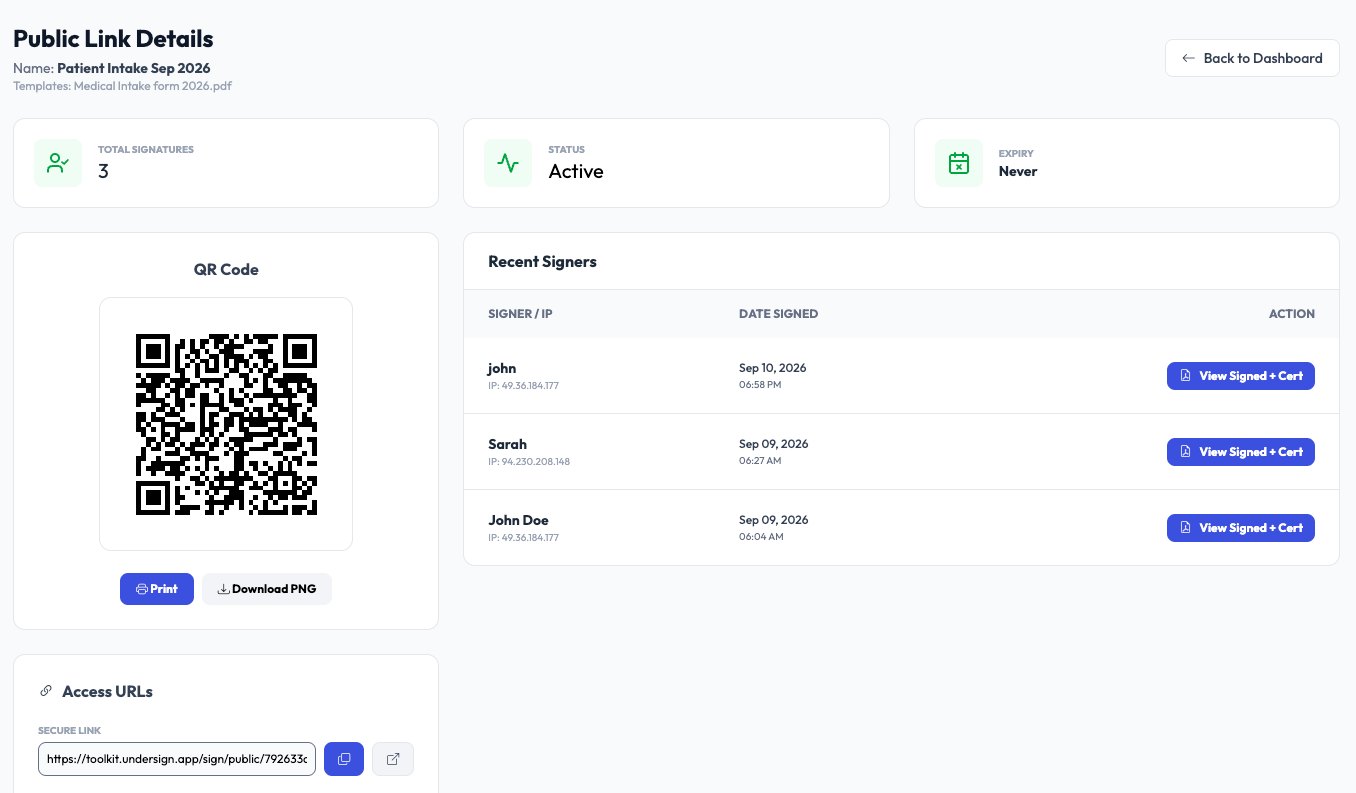
After creating a Public Signing Link, Undersign provides access information that can be shared with signers, directly as a URL or via the generated QR code.
QR code
Every public signing link can have a QR code.
The QR code is useful when the signing experience needs to begin from a physical location.
Common examples include:
- Reception desks
- Events
- Offices
- Service counters
- Printed forms
- Posters
- Visitor check-in areas
A person can scan the QR code using their mobile device and start the signing session.