
How public links work
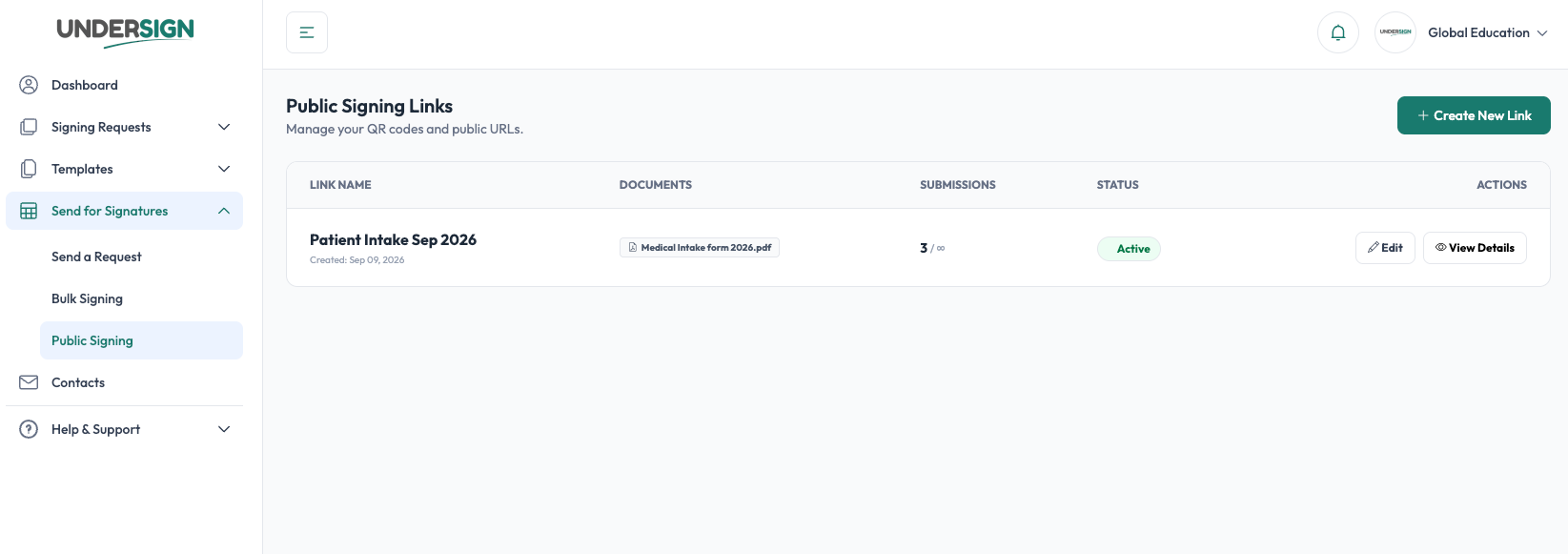
Choose the templates people should sign, share one reusable URL, and every visitor starts an independent signing session.
1. Select template(s)
Choose the template or templates that people should sign.
The selected templates define the documents and signing fields that will be presented during the signing session.
A Public Signing Link can be configured for a single document or a group of documents.
When multiple templates/documents are selected, they form the signing package presented to each signer.
Independent signing sessions
A Public Signing Link is reusable, but each signer gets an independent signing session.
For example:
Public Signing Link
- → Visitor A → Signing Session A
- → Visitor B → Signing Session B
- → Visitor C → Signing Session C
The sessions are not shared. One person completing a signing session does not complete the request for anyone else.
Each completed submission can therefore be tracked independently and follows the normal Undersign signing/document/audit process.