
Documentation
Managing links
Sending & signing
Managing public links
The Public Signing Links page gives you an overview of every link, and each link's details page is the central place to monitor its submissions.
Public Signing Links
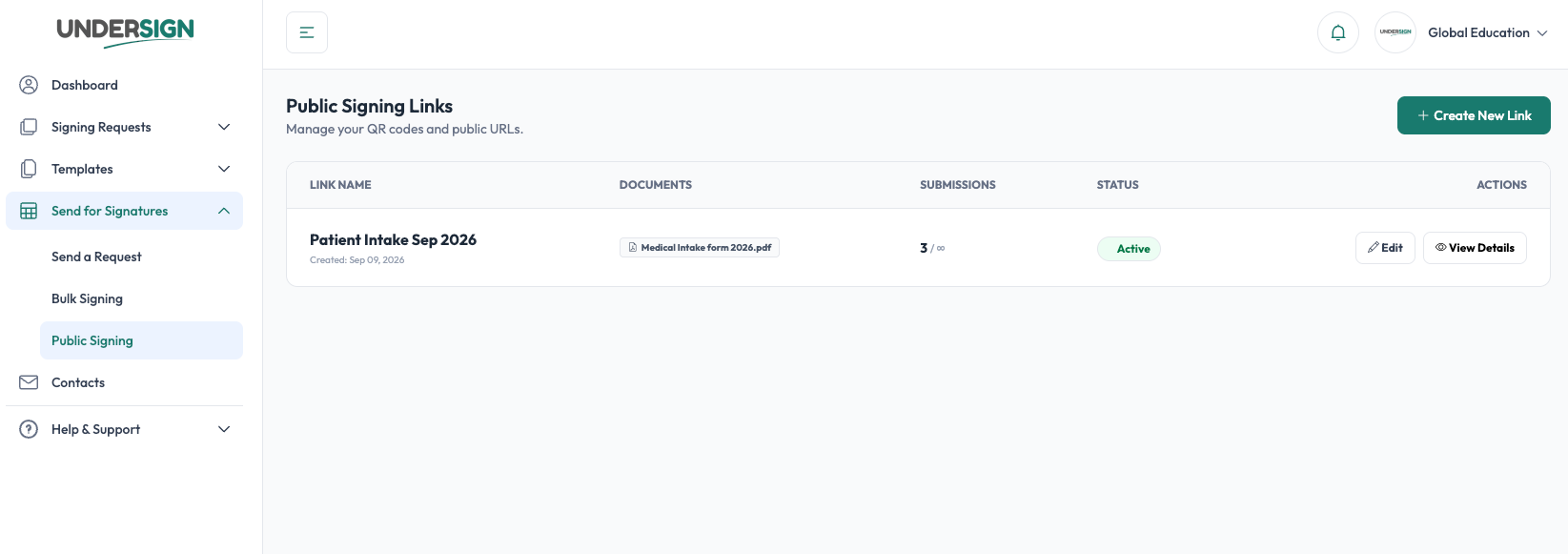
The Public Signing Links page provides an overview of all created links.
The list shows information such as:
- Link name
- Documents/templates associated with the link
- Number of submissions
- Submission limit
- Current status
- Available actions
For example:
IT FORMS - 3 / 3 - Active
indicates that three submissions have been recorded against a link configured for three submissions.
Public link details
Selecting View Details opens the details page for the link.
The details page provides information such as:
- Total signatures/submissions
- Current status
- Expiry
- QR code
- Access URLs
- Recent signers
- Signing dates
- Available signer/action information
This gives you a central place to manage and monitor the public signing link.