
Bulk signing
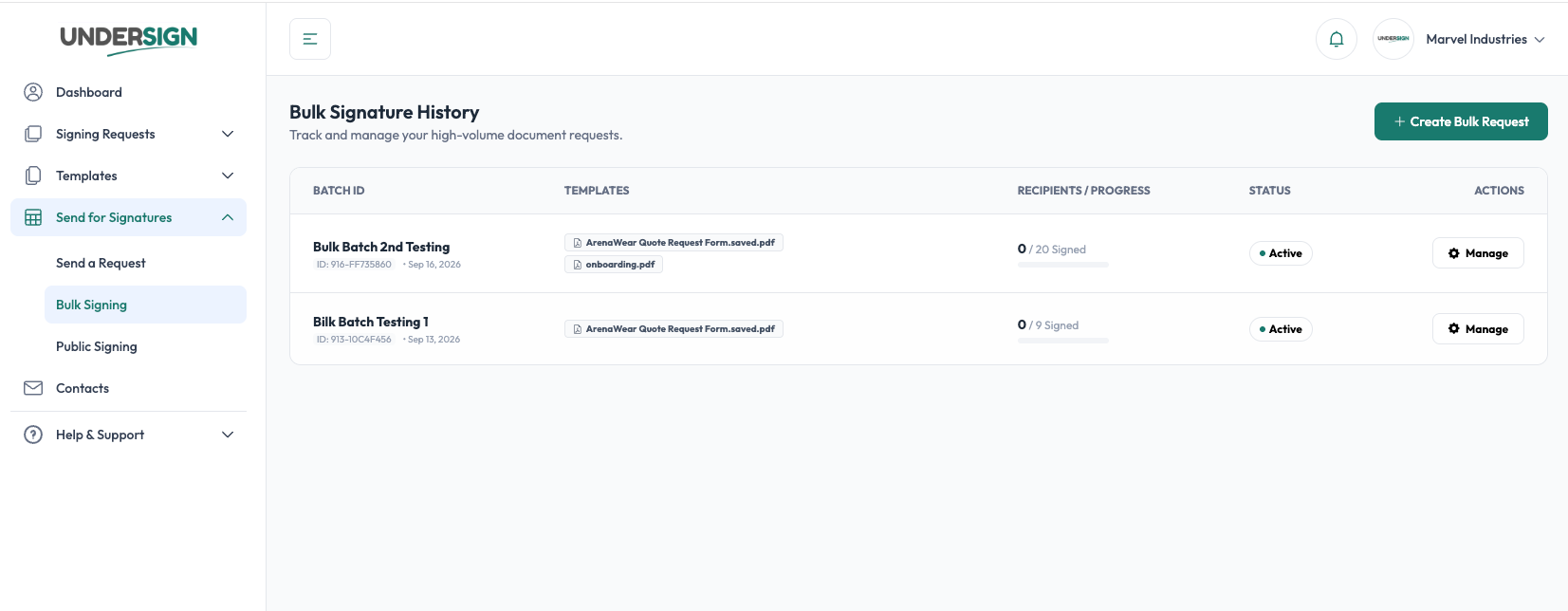
Bulk Signing lets you create and send a large number of independent signature requests at once.
Instead of creating each signature request manually, you select the template or templates to use, upload recipient information in a CSV file, configure the signing preferences, and create the batch.
Undersign then creates a separate signature request for each recipient in the CSV.
For example, if your CSV contains 100 recipients, Bulk Signing creates 100 independent signature requests. Each recipient receives their own signing request and their completed document is handled independently.
When should I use Bulk Signing?
Bulk Signing is useful whenever the same document or document package needs to be signed by many different recipients.
Common examples include:
- Sending HR forms to a large group of employees
- Collecting annual declarations from employees
- Sending contracts or agreements to multiple customers
- Sending vendor or supplier agreements
- Collecting consent forms
- Sending compliance documents
- Sending approval forms to a large group of people
- Sending recurring documents to many recipients
Bulk Signing vs. regular signature requests
Use Send for Signature when you are sending a document to one recipient or a small number of individually configured recipients.
Use Bulk Signing when you need to create many similar signature requests from recipient data in bulk.
| Send for Signature | Bulk Signing |
|---|---|
| Configure recipients individually | Import recipients from CSV |
| Best for individual requests | Best for high-volume requests |
| One request at a time | Multiple independent requests |
| Configure each request manually | Apply common configuration to the batch |
| Track each request individually | Track the batch and its individual requests |